
Kandinsky 5.0 Video ProBuilt for Professional Video Generation
Kandinsky 5.0 Video Pro is a large-scale video diffusion model built for creators and teams who demand visual fidelity, motion stability, and precise semantic control.
Popular topics
Text to Video
Generate cinematic clips from a structured prompt. Ideal for storyboards, ads, and new scenes that start from language.
Open Text to VideoImage to Video
Upload a still, describe motion, and keep composition locked. Built for product frames, portraits, and controlled camera language.
Open Image to VideoExamples in motion
Text to video
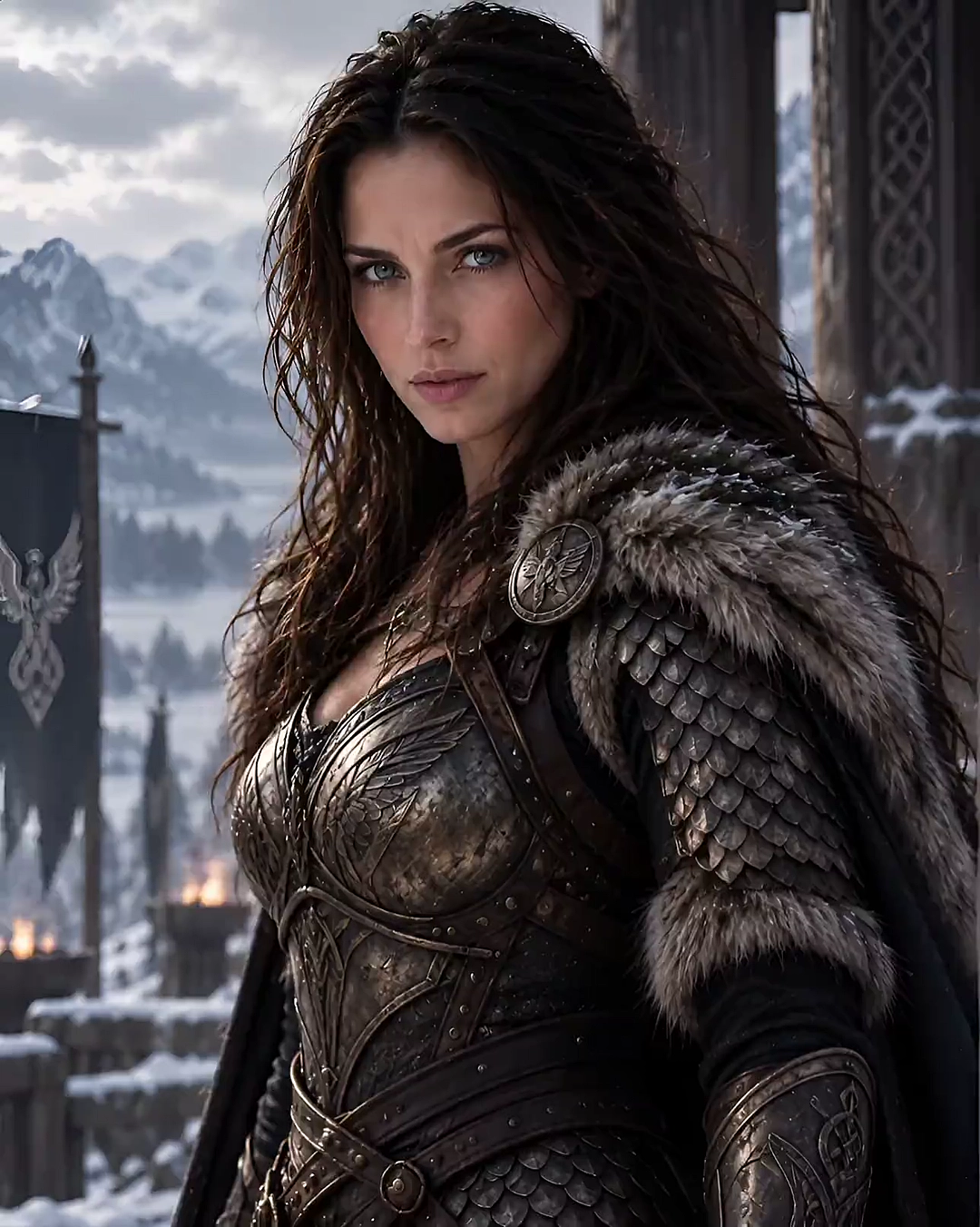
Generate cinematic clips from a structured text prompt. — Example 1
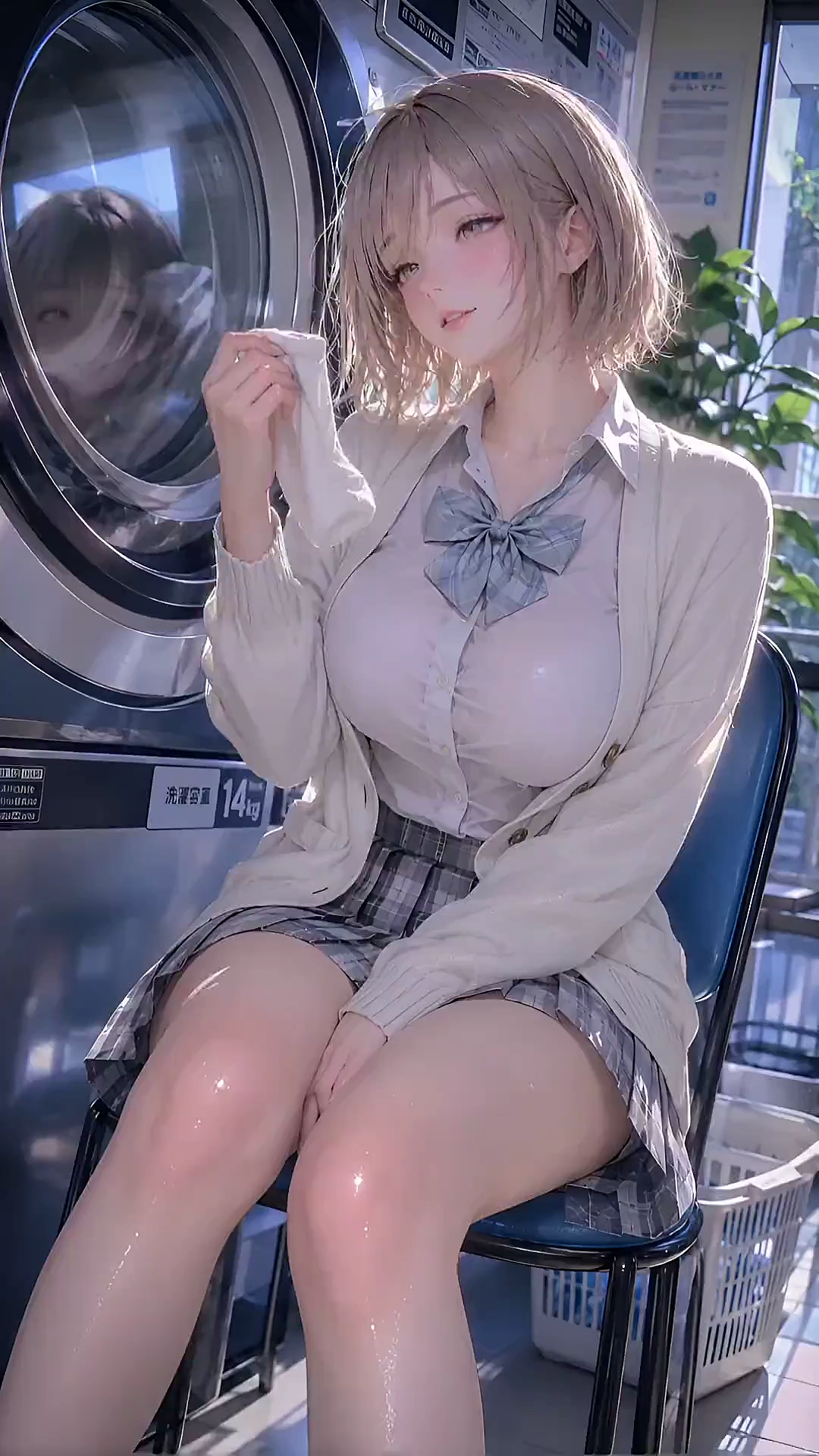
Generate cinematic clips from a structured text prompt. — Example 2
Image to video
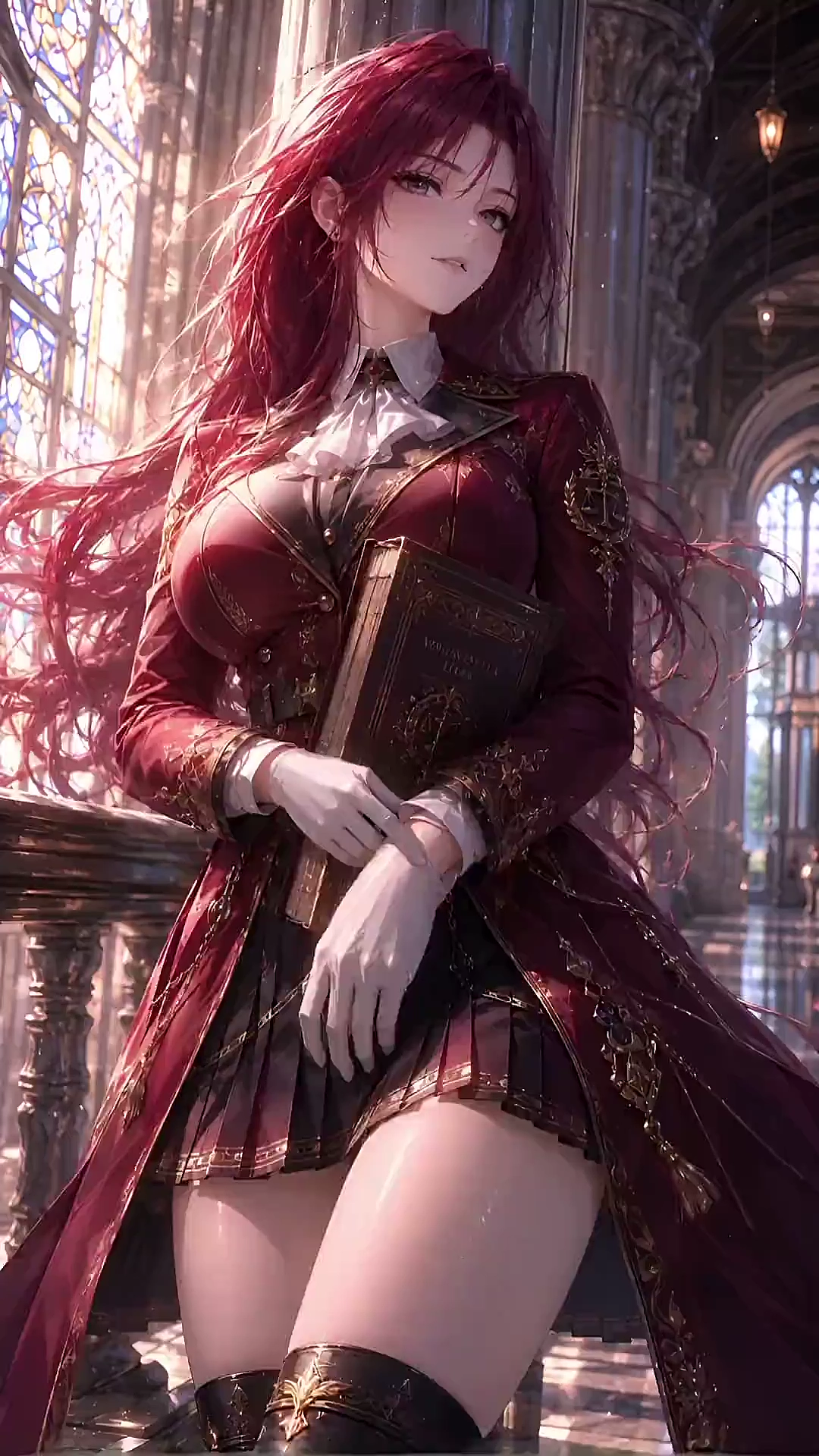
Add motion to a still while keeping composition aligned. — Example 1
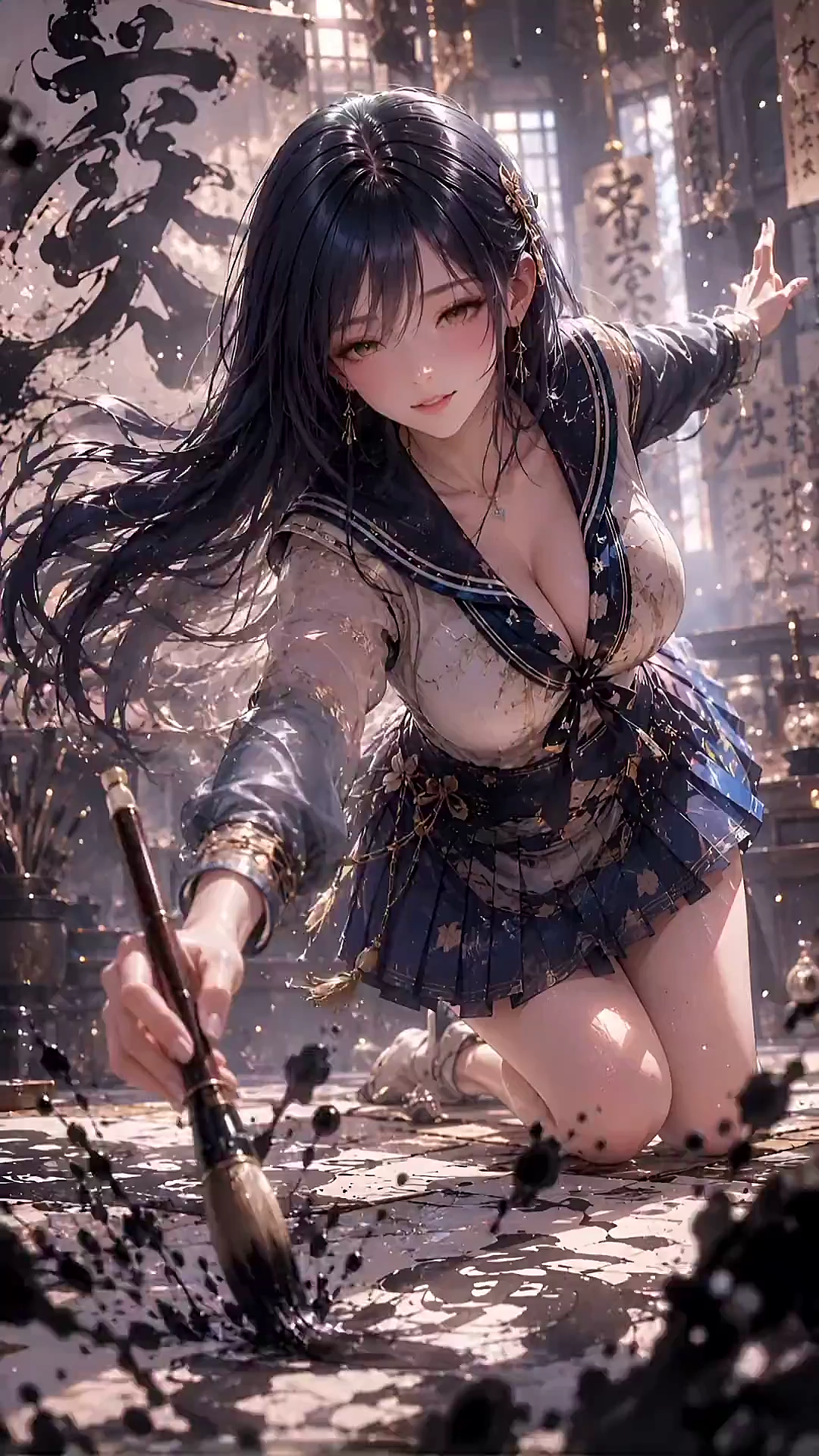
Add motion to a still while keeping composition aligned. — Example 2
Camera and scene control
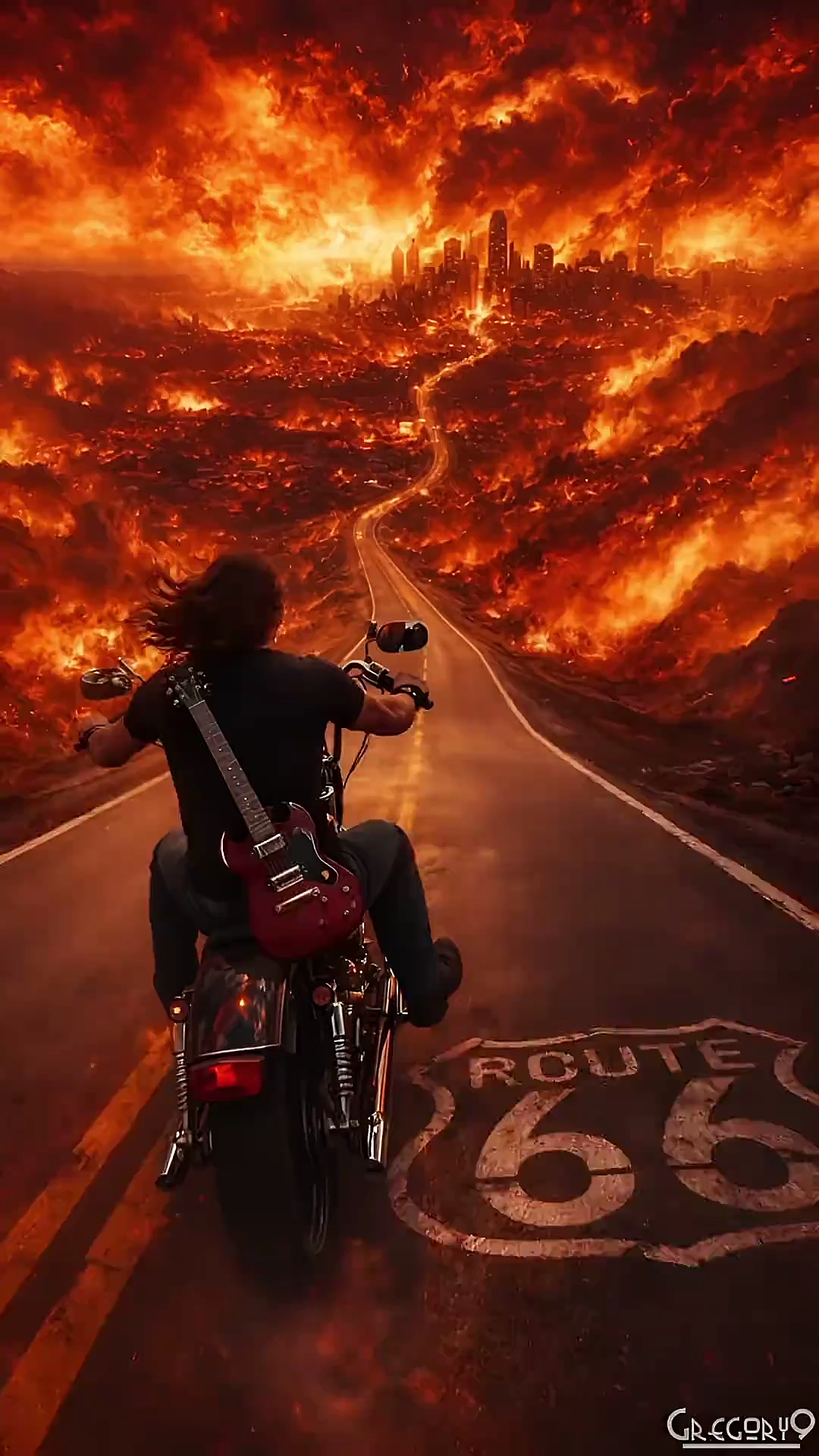
Direct camera language, lighting, and mood from the prompt. — Example 1
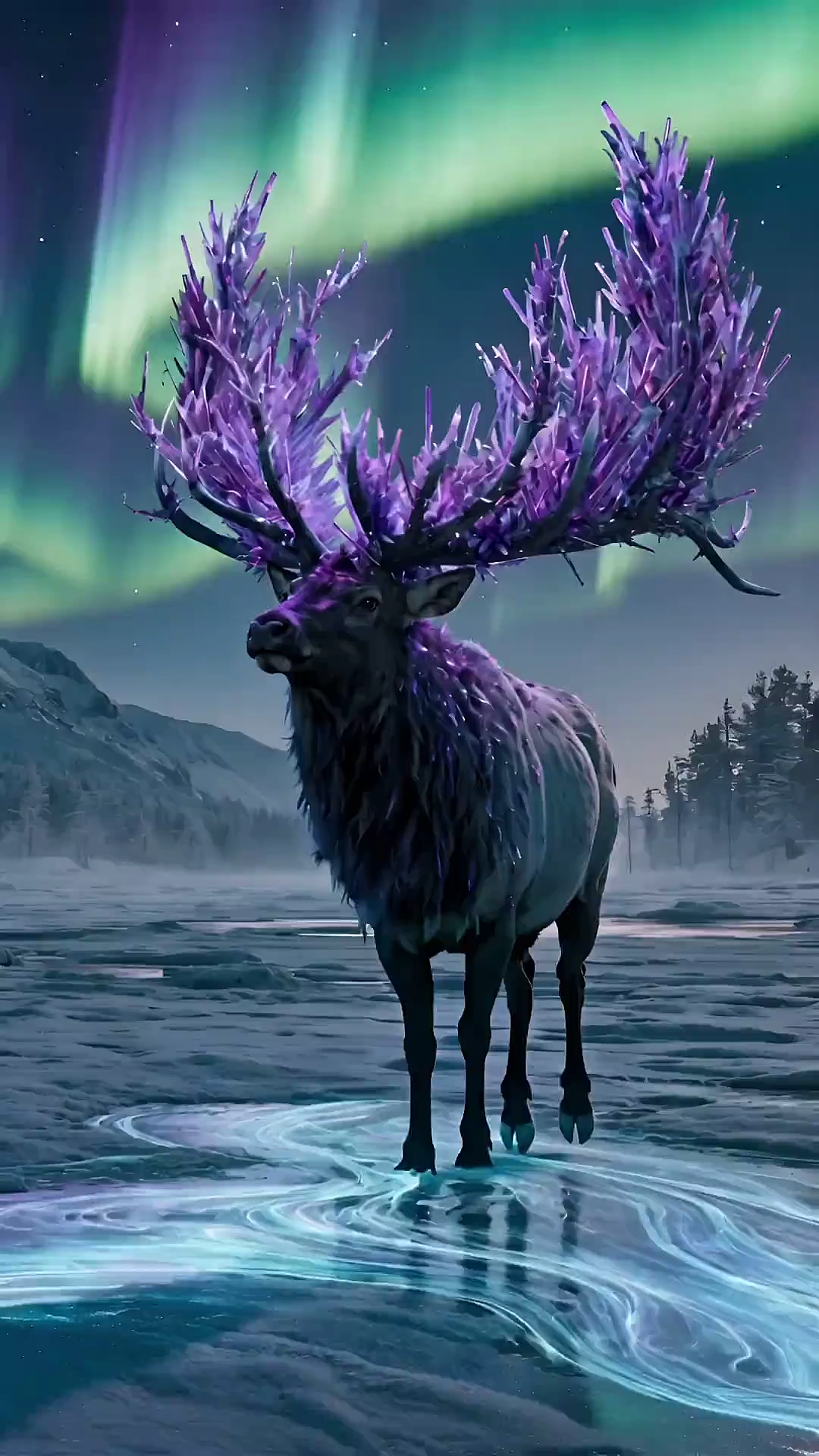
Direct camera language, lighting, and mood from the prompt. — Example 2
What is Kandinsky 5.0 Video Pro?
Kandinsky 5.0 Video Pro is a large-scale video diffusion model built for creators and teams who demand visual fidelity, motion stability, and precise semantic control. Text to Video · Image to Video.
Text to video is for new scenes from language. Image to video is for motion that must respect a reference still. Both paths target the same quality bar: sharp detail, stable temporal motion, and prompts that actually constrain the shot.
Pricing plans
Every video uses 30 credits; each plan shows the effective cost per video in USD.
Starter
$0.30 per video
Up to 33 videos (30 credits/video)
Great for getting started at the lowest cost.
- Create HD clips from text or image prompts
- 720p export, No watermark download
- Commercial use license
- Standard queue speed
- Email support
Creator
$0.27 per video
Up to 110 videos (30 credits/video)
Best value for creators who publish frequently.
- Create HD clips from text or image prompts
- 720p export, No watermark download
- Commercial use license
- Standard queue speed
- Email support
Pro
$0.25 per video
Up to 240 videos (30 credits/video)
Lower your cost per project with more credits.
- Create HD clips from text or image prompts
- 720p export, No watermark download
- Commercial use license
- Standard queue speed
- Email support
Ultra
$0.23 per video
Up to 440 videos (30 credits/video)
Maximum savings for teams and power users.
- Create HD clips from text or image prompts
- 720p export, No watermark download
- Commercial use license
- Standard queue speed
- Email support
Full page: Pricing
Visual fidelity
High-capacity generation keeps texture, lighting, and detail sharp enough for review and presentation.
Motion stability
Temporal consistency holds subject identity, object placement, and camera logic from frame to frame.
Semantic control
Long, structured prompts map scene, action, and camera language with fewer missed constraints.
Hear What Our Creators Are Saying
See how creators, marketers, and directors use Kandinsky 5.0 Video Pro for professional drafts.

David Chen
Independent Video Producer
"Text to video finally follows multi-part prompts. Lighting, camera, and motion stay consistent enough for client review."

Sarah Lee
Social Media Content Creator
"Image to video keeps my product frame intact. I describe the motion and get a usable clip without a full shoot."

Michael Wang
Senior Post-Production Specialist
"Motion stability is the difference. Subjects stay put, camera language is readable, and the workflow is simple."
Frequently Asked Questions
Kandinsky 5.0 Video Pro is a large-scale video diffusion model built for professional video generation. It focuses on visual fidelity, motion stability, and precise semantic control, with text to video and image to video on kandinsky50.com.
Text to video creates a clip from a written description. Image to video starts from a still and adds motion while keeping composition aligned. Pick text for new scenes; pick image when the subject or product frame must stay consistent.
Upload a JPG, PNG, or WEBP still, set aspect ratio, and submit a motion prompt. The service returns a task you can poll until the MP4 is ready—see Image to Video.
Generated assets are standard MP4 videos suitable for web, social, and editing pipelines.
Time varies with queue and length. The dashboard shows live status while your task is processing.
Pricing and credits are listed on our Pricing page. New users typically start with a small credit pack.
The developer API is not connected yet. Use the website for text to video and image to video. We will publish API docs when programmatic access is ready.
We prohibit NSFW sexual content, child sexual exploitation, illegal content, hate, and severe violence. Read the full rules on our Content Policy page, and report violations via Report Content.